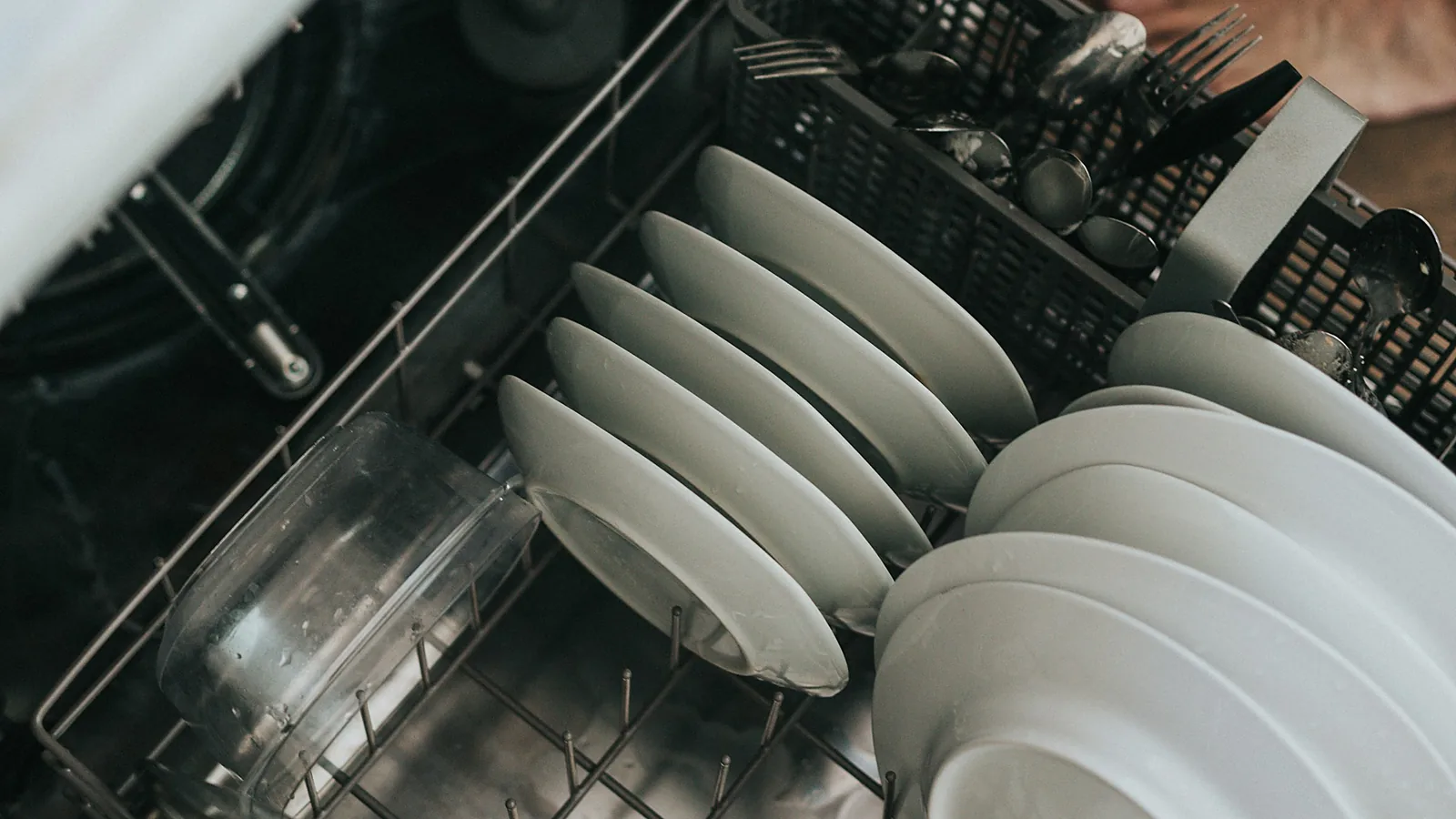
Short answer: A KitchenAid dishwasher not drying dishes is usually fixed without a repair: turn on the heated dry option, fill the rinse aid, run the kitchen tap hot before starting, and load so water runs off. Plastics stay damp in any dishwasher. If plates come out cool and wet after a heated-dry cycle, the heating element has likely failed: $220–$380 in Los Angeles.
This guide is for KitchenAid dishwasher owners whose dishes come out wet. KitchenAid dishwashers are built by Whirlpool Corporation and dry with heat, on some models with a fan as well, so the checks differ from a condensation-dry Bosch. For how every type dries, see our general guide to a dishwasher not drying dishes.
Is it normal for some dishes to stay wet?
Yes, for plastics. Plastic doesn't hold heat the way glass and ceramic do, so water on it doesn't evaporate at the end of the cycle. Water pooled in the hollow bases of mugs is normal too. What isn't normal: plates and glasses that are wet all over and cool to the touch when a heated-dry cycle has just finished.
Which KitchenAid settings affect drying?
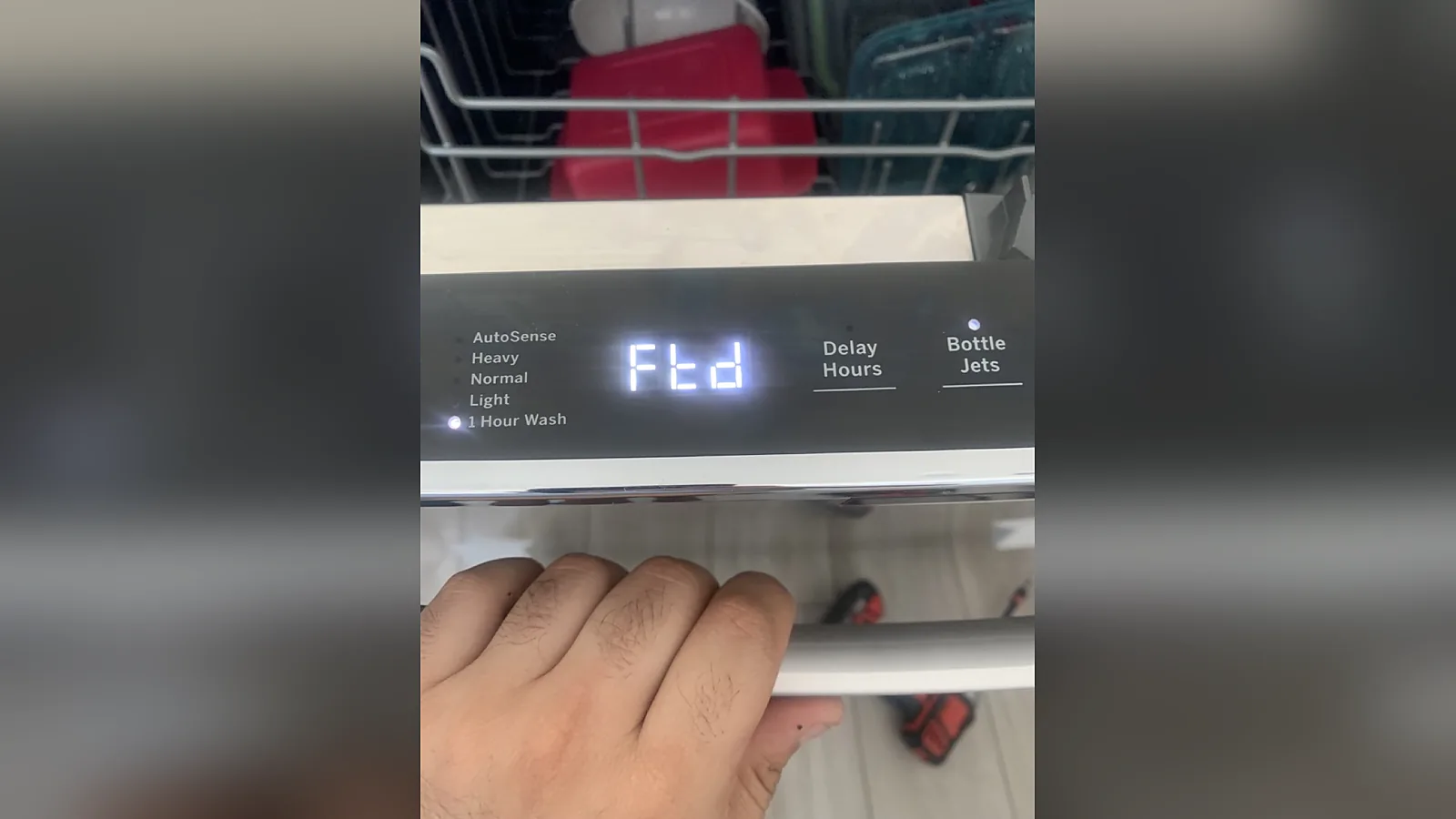
Drying is an option on most KitchenAid cycles, and it has to be selected. Look on the control panel for a drying option such as Heat Dry or Extended Heat Dry, or ProDry and Extended ProDry on fan-dry models; the names vary by model and your manual lists them (KitchenAid's not-drying guide walks through the same checks). Three things to know:
- The option may not be on. If the light next to the dry option is off, the cycle ends after the final rinse with no added heat.
- Quick cycles dry least. A one-hour or express wash shortens or skips drying to save time. Use the normal cycle with the dry option when drying matters.
- A hotter final rinse helps. Sani Rinse, or a sanitize or high-temperature option on some models, heats the last rinse further, so dishes leave the wash hotter and dry faster.
What actually helps a KitchenAid dry better?
- Keep the rinse aid full. Rinse aid makes water sheet off instead of beading, and it does more for drying than any setting. Refill when the indicator shows low, and raise the dose one step if dishes are still spotty and wet.
- Start with hot water. Run the kitchen tap until it's hot before pressing Start. Whirlpool, KitchenAid's parent company, wants at least 120°F at the dishwasher. In houses where the water heater sits in the garage, the first minutes of fill are otherwise lukewarm.
- Load for drainage. Tilt cups and bowls so water runs off, keep plastics on the upper rack, and don't nest items. On models with a third rack, lay utensils in a single layer.
- Open the door after the cycle. When the cycle ends, open the door a few inches to let the steam out, then unload the bottom rack first so the top rack doesn't drip on dry dishes.
Hard water works against all of this: mineral film holds water on glasses. Our hard water and dishwashers guide covers descaling.
How do you tell a failed part from a setting?
| What you notice | Likely cause | What to do |
|---|---|---|
| Only plastics are wet | Normal | Upper rack, rinse aid, towel |
| Everything wet, rinse-aid indicator on | Empty rinse aid | Refill |
| Glasses and plates cool and wet right after a heated-dry cycle | Heating element, its thermostat or the control not powering it | Book a repair |
| Dishes warm but wet, heavy steam when you open the door | Vent or drying fan not moving air (models that have one) | Book a repair |
| Dishes wet and not clean, wash water lukewarm | Heater or incoming water temperature | Check hot water at the tap first; then book a repair |
A quick test: run a normal cycle with the dry option on, and open the door the moment it finishes. The tub and the dishes should be hot. Hot and wet points to airflow or rinse aid. Cool and wet points to the heater.
What does a KitchenAid drying repair cost?
A heating element typically costs $220–$380 in Los Angeles, parts and labor included, and a control board $260–$560. Vent and fan parts vary by model and are priced in writing after testing. The dishwasher diagnostic is $69 and is applied to the repair you approve, with no travel charge across Los Angeles, Orange and Ventura counties.
Nearly every drying repair passes the 50% rule on a KitchenAid, which sits above the basic price tier; our guide to repairing or replacing a dishwasher has the method. We're an independent repair company, not a KitchenAid service center, and we use OEM parts whenever they're available; see our KitchenAid repair page. If the dishwasher is still under KitchenAid's warranty, contact KitchenAid first.
When should you call?
Call when the dry option is on, the rinse aid is full, the water starts hot and the dishes still come out cool and wet. Call (866) 696-7767 or book online; calls placed before noon are usually seen the same day, in Calabasas and across the three counties. Have the model number ready: it's on a label on the edge of the door or the tub frame. More on our dishwasher repair page.
Frequently asked questions
Why is my KitchenAid dishwasher leaving dishes wet?
Most often the heated dry option isn't selected, the rinse aid is empty, or the load is mostly plastic. Turn on the dry option, refill the rinse aid and run the tap hot before starting. If plates and glasses are still cool and wet right after the cycle, the heating element may have failed.
Does a KitchenAid dishwasher need rinse aid to dry?
Yes, for good results. Rinse aid makes water sheet off dishes instead of beading, so there's less water to evaporate. Without it even a working heater leaves spots and wet glasses. Refill the dispenser when the indicator shows low and raise the dose one step if drying is still poor.
How do I know if my dishwasher heating element is bad?
Open the door the moment a heated-dry cycle ends. If the tub and dishes are cool and wet, the element or its circuit isn't heating. If they're hot but wet, the heater works and the problem is rinse aid, loading or airflow. A technician confirms by testing the element and its thermostat.
How much does it cost to fix a KitchenAid dishwasher that won't dry?
A heating element typically costs $220–$380 in Los Angeles with parts and labor, and a control board $260–$560. Vent and fan parts are priced after testing. The $69 diagnostic is applied to the repair you approve.
What's your dishwasher doing?
Still coming out wet? Call before noon and we can usually be there today.
- Diagnostic
- $69applied to the repair
- Same-day
- Call before noonMost LA, OC & Ventura calls seen today
- Warranty
- 30–90 daysparts and labor